This article is for if you are having the issue below after trying to sign into an RDS server. The steps will walk you through working around the issue so that you are able to connect.
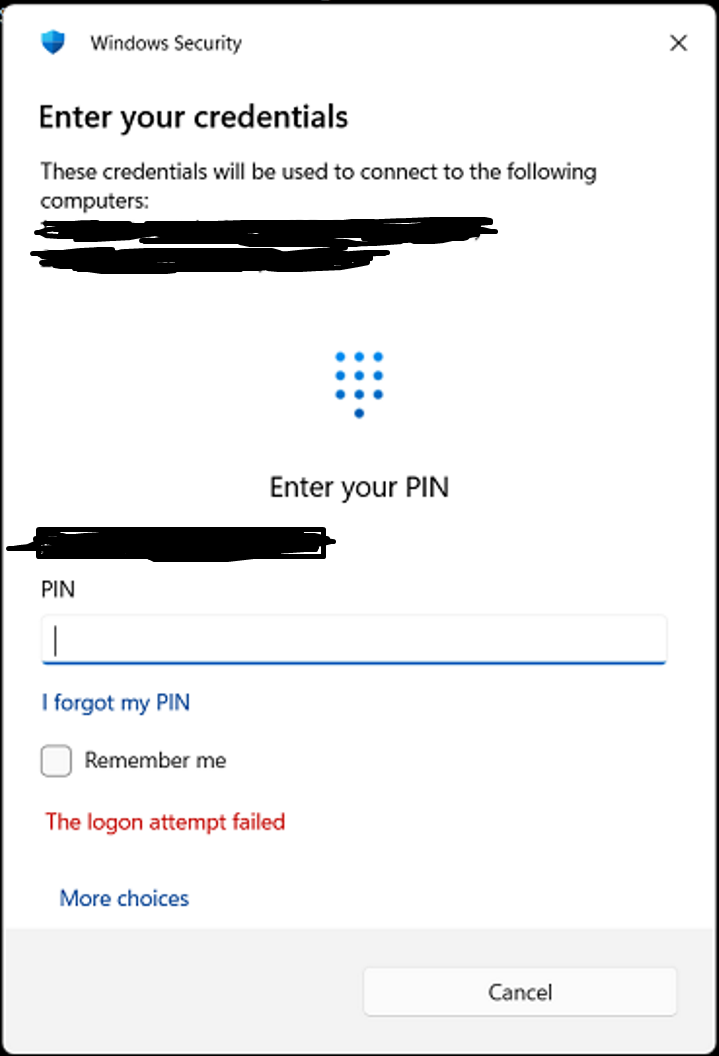
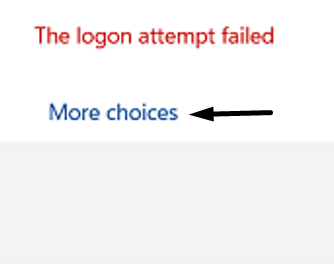
Step 1: Click on "More choices"
Step 2: Click on "use a different account"
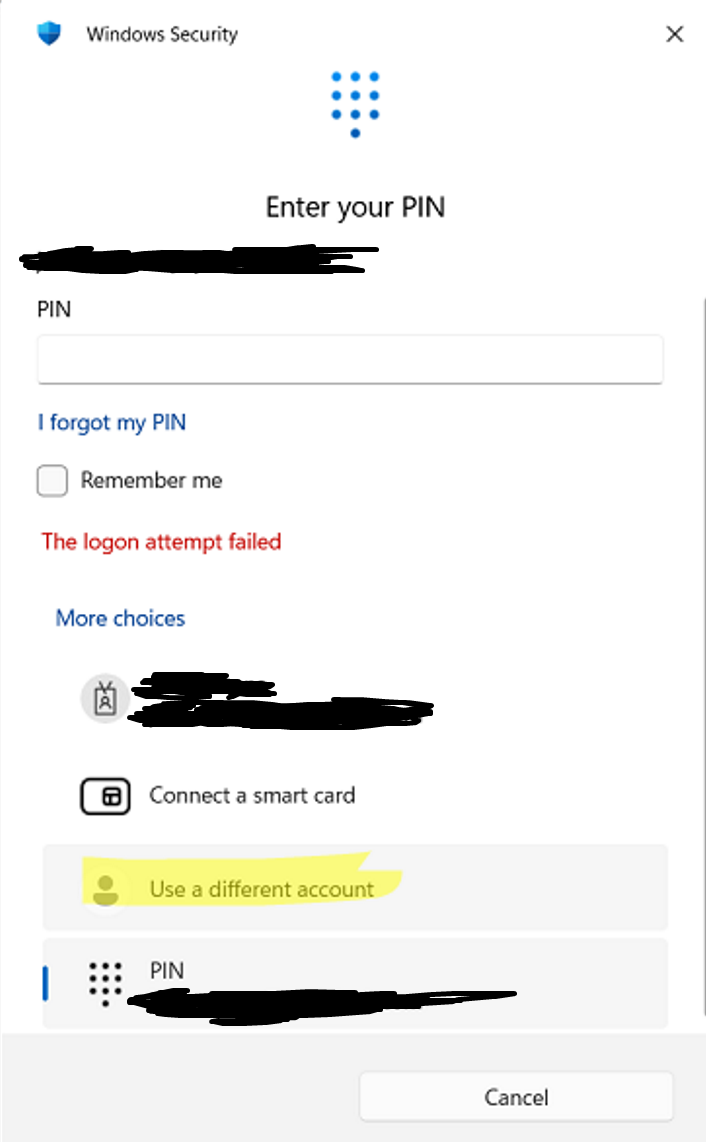
Step 3: Input your logon credentials ie HF\Username (Change HF to match your company) and usual password
You should now be able to connect,
Was this article helpful?
That’s Great!
Thank you for your feedback
Sorry! We couldn't be helpful
Thank you for your feedback
Feedback sent
We appreciate your effort and will try to fix the article